
Extended Reality (XR) devices are no longer positioned purely as entertainment hardware. In recent years, major manufacturers have increasingly framed XR headsets as tools for productivity, content consumption, and spatial computing. Samsung Galaxy XR is one of the latest examples of this shift, aiming to blend work, media, and exploration into a single device.
Rather than focusing on hands-on impressions, this article looks at how Galaxy XR is designed to support daily productivity and media workflows—supported by publicly available information and community discussions.
Display Quality as the Foundation of Productivity


For any productivity-oriented XR headset, display quality is a core requirement. Reading text, managing documents, and watching reference content all depend on resolution, clarity, and color accuracy.
Samsung Galaxy XR is positioned as a high-resolution XR device using advanced OLED display technology, which aligns with broader industry expectations for premium mixed-reality headsets. In community discussions, users frequently highlight display clarity and color depth as key strengths, particularly for media viewing and large virtual screens.
High-quality displays are not just about visual impact—they directly affect comfort and usability during longer sessions, especially when XR is used for work rather than short entertainment bursts.
PC Connectivity and Desktop Workflows
Productivity in XR often depends on how well a headset integrates with a traditional computer. Samsung Galaxy XR is built around the idea of extending or mirroring a PC desktop into a spatial environment, enabling users to work with familiar tools inside XR.
Industry coverage and early feedback suggest that Samsung’s PC connectivity approach prioritizes simplicity and fast access rather than complex setup workflows. This is an area frequently discussed in forums, where users compare XR headsets based on connection stability, input support, and workflow friction.
While PC-based productivity in XR is still evolving across the industry, Galaxy XR reflects a broader trend toward making virtual desktops a practical daily option.
Multitasking in a Spatial Workspace
Spatial multitasking is often presented as one of XR’s biggest advantages over traditional monitors. Instead of stacking windows on a flat screen, users can place apps and content across a 3D workspace.

In practice, community feedback suggests that effective multitasking is less about the number of open windows and more about clarity and focus. For many productivity scenarios—such as working with a primary desktop view alongside reference content, messaging, or email—XR environments can already provide meaningful benefits.
This more restrained, task-focused approach to multitasking aligns with how many professionals actually work day to day.
Media Consumption as a Productivity Companion
YouTube and Learning in XR

Video content plays an important role in modern workflows, from tutorials to research and creative inspiration. Native support for platforms like YouTube is often cited by users as a key factor when choosing an XR headset.
In community threads, Galaxy XR is frequently discussed as a strong option for immersive video viewing, particularly for high-resolution and VR-formatted content
Streaming Platforms and Offline Viewing
Offline viewing and native streaming apps are another practical consideration, especially for travel or limited connectivity scenarios. While app availability can vary by region and platform maturity, native media experiences are generally seen as a major usability advantage over browser-only solutions.
Google Maps and Spatial Exploration

One of the most distinctive aspects of Samsung Galaxy XR is its integration with Google’s spatial tools. XR-based navigation and location exploration introduce new ways to interact with geographic data, going beyond traditional map interfaces.
Use cases discussed in forums include travel planning, remote exploration, and creative research—areas where spatial context can add genuine value.
This highlights how XR productivity is not limited to office work, but also extends to planning and visualization tasks.
Comfort and Long-Session Usability

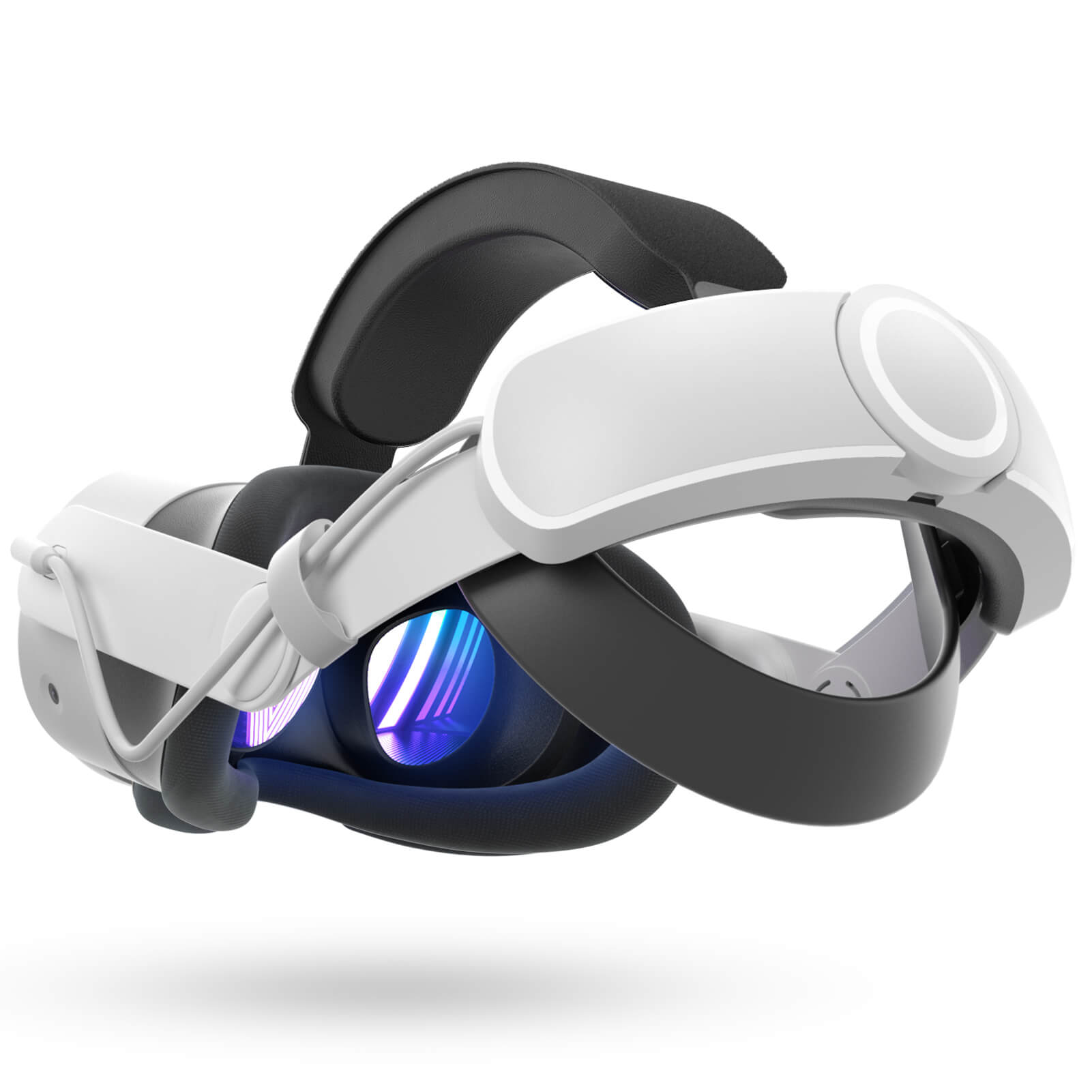
Comfort remains a decisive factor for XR adoption. Even the most advanced features lose value if a headset cannot be worn comfortably for extended periods.
Community feedback around Galaxy XR suggests that comfort and balance are recurring discussion points, with users emphasizing the importance of fit, weight distribution, and session length tolerance.
As with most XR devices, comfort is highly individual, but it plays a critical role in determining whether a headset can realistically support daily workflows.
Ecosystem Maturity and Limitations
Like many emerging XR platforms, Galaxy XR operates within a growing software ecosystem. Early adopters often note that app availability, system polish, and cross-device compatibility continue to evolve.
Forum discussions reflect a mix of optimism and caution—acknowledging strong hardware potential while pointing out areas where software updates will be essential.
Conclusion: XR as a Practical Daily Tool
Samsung Galaxy XR represents a clear move toward XR devices that combine productivity, media consumption, and spatial exploration. Rather than positioning XR as a replacement for existing tools, it appears designed to complement laptops, desktops, and mobile devices.
Whether Galaxy XR can serve as a daily productivity device ultimately depends on individual workflows and expectations. What is clear, however, is that it reflects the broader industry shift toward XR as a practical, mixed-use platform, not just a niche entertainment product.