
Meta Quest Prescription Lens Guide
Make your VR experience clearer, more comfortable, and more convenient with prescription lenses designed for Meta Quest headsets.
Not sure which lenses you need or how to enter your prescription? This guide walks you through everything from checking your prescription to choosing the right lenses for your headset.
Why Use Prescription Lenses for VR?
If you normally wear glasses, prescription VR lenses let you enjoy a clearer view without wearing your glasses inside the headset.

Clearer Vision
Prescription lenses are customized to match your vision needs, helping you see the virtual world with greater clarity.

More Comfortable
No need to fit your glasses inside the headset. Prescription lenses can provide a more comfortable experience, especially during longer VR sessions.

Easy to Use
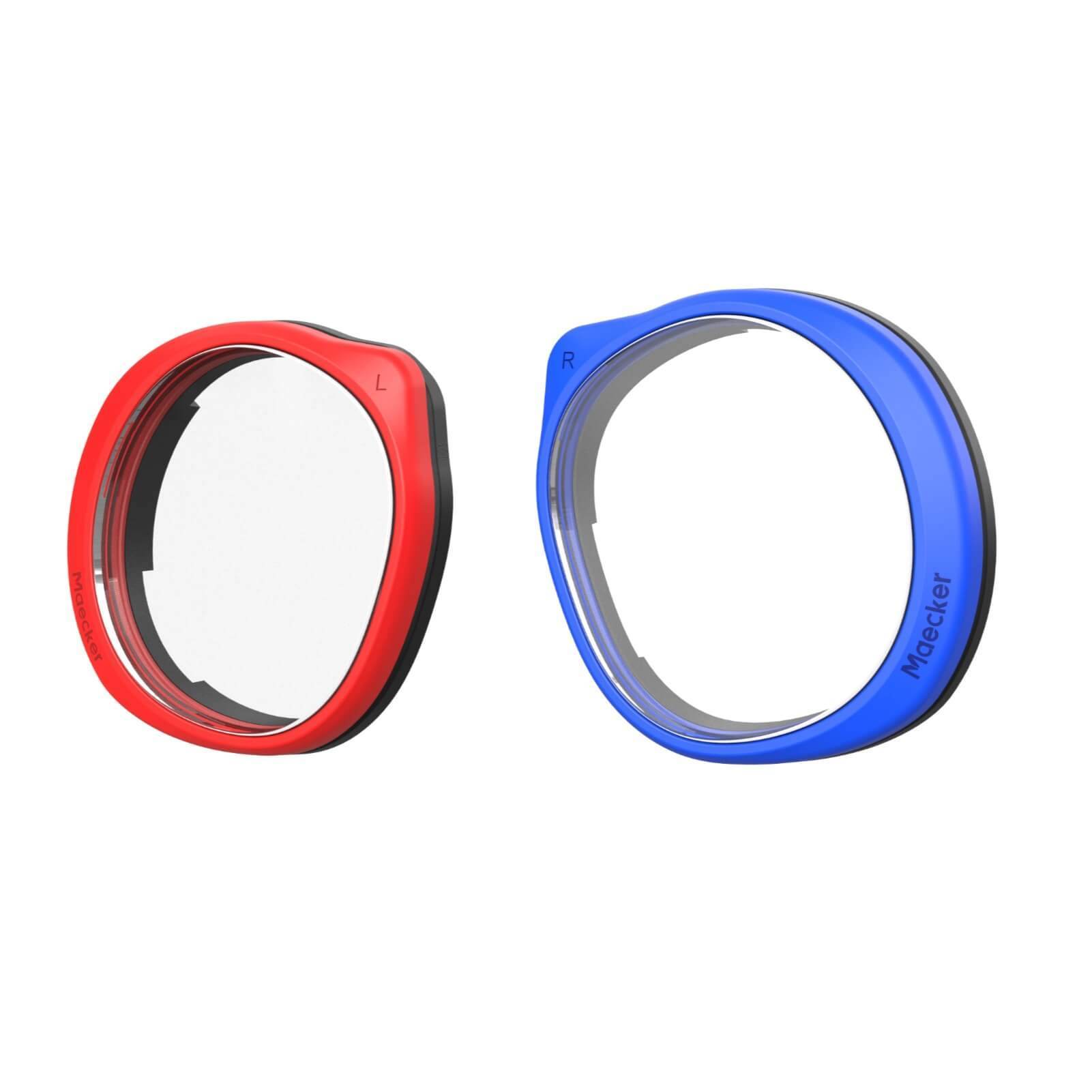
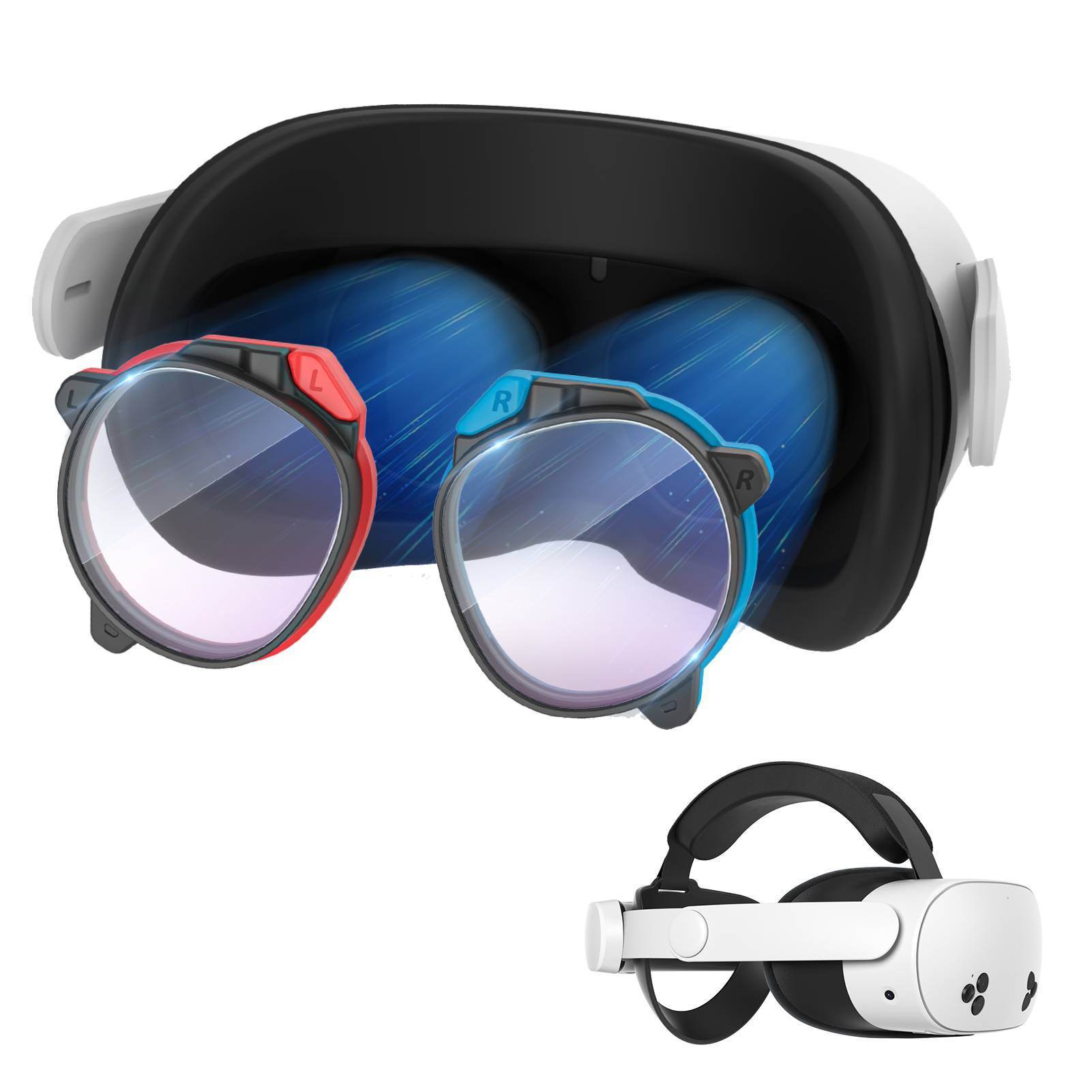
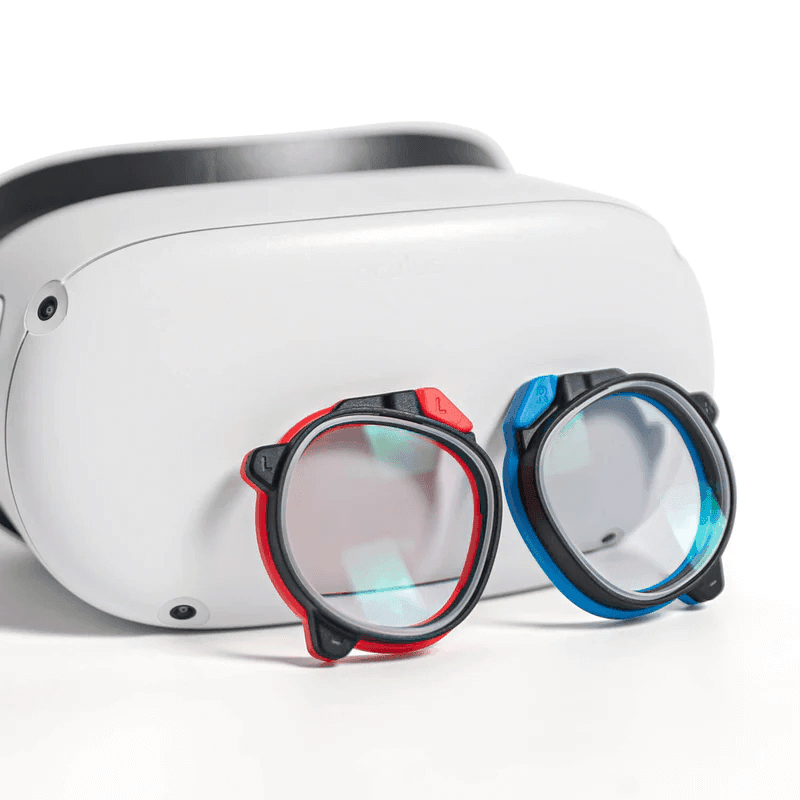
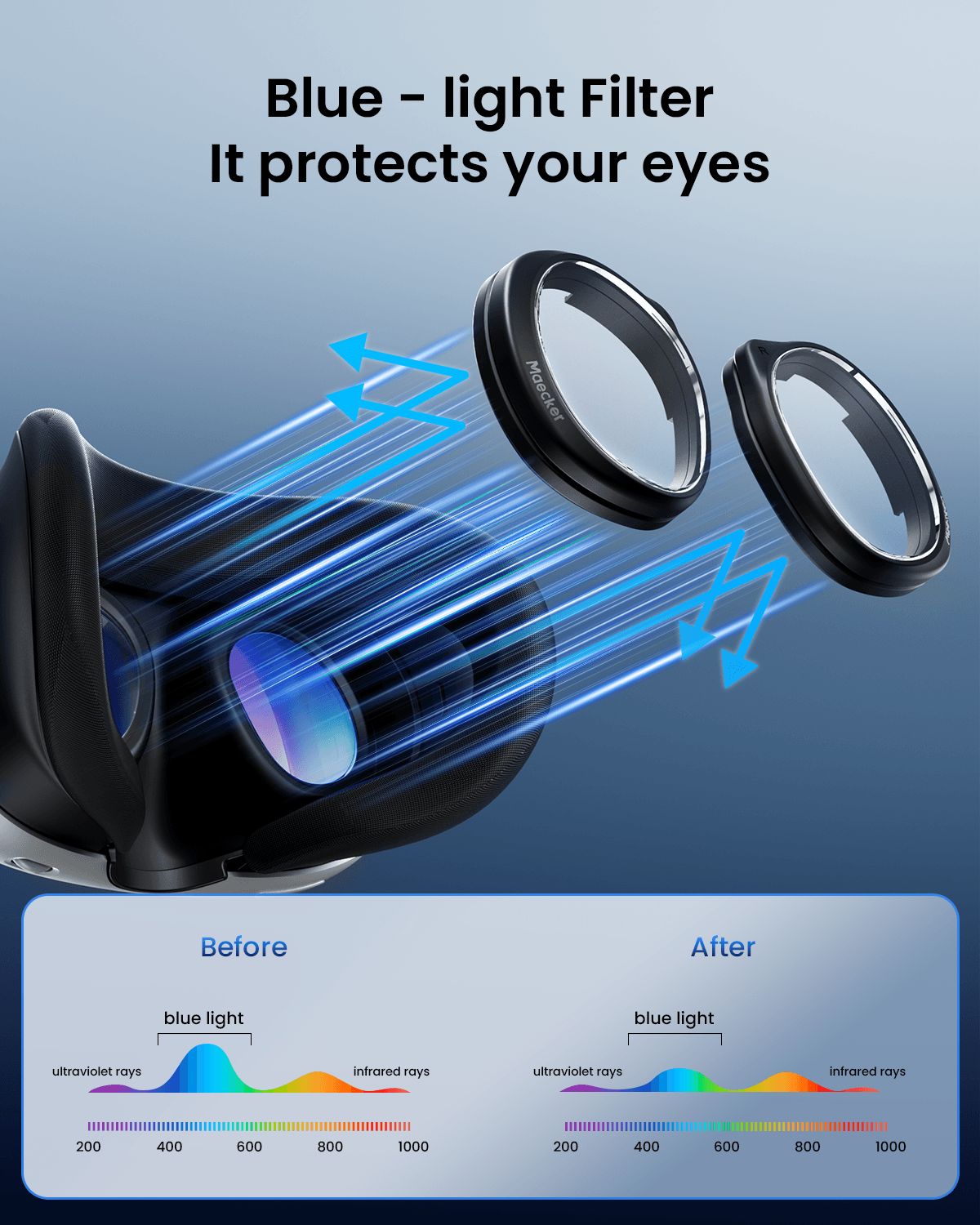
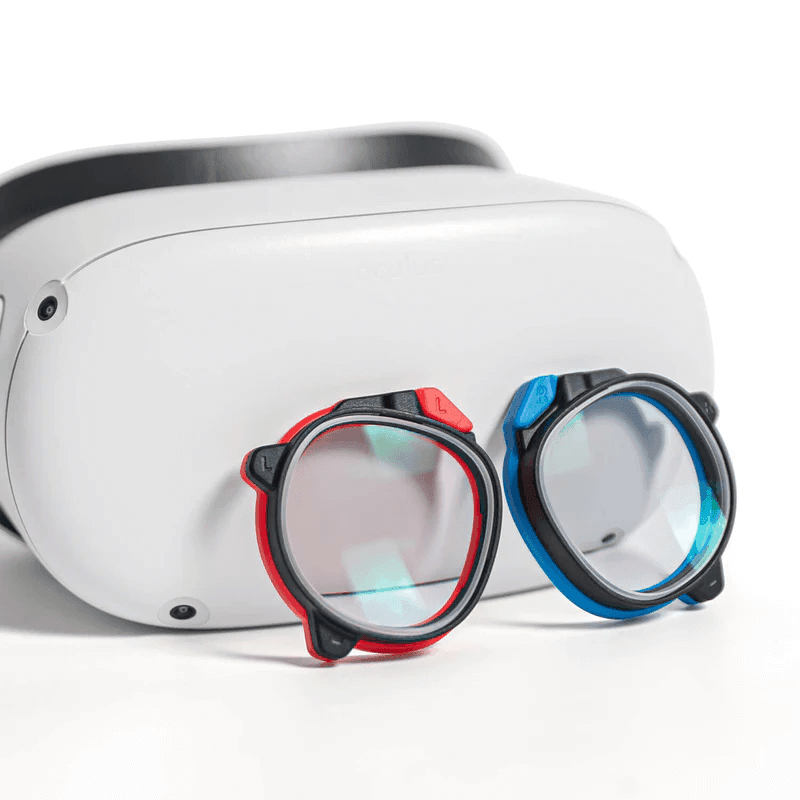
Our magnetic prescription lenses attach directly to the headset and can be installed or removed quickly whenever needed.
Can I Use My Prescription?
Before ordering, check your latest eyeglass prescription to make sure you have the information needed to customize your lenses.
What You May See on Your Prescription
SPH (Sphere)
Indicates the strength of your prescription for nearsightedness or farsightedness.
CYL (Cylinder)
Indicates the amount of correction for astigmatism.
AXIS
Indicates the orientation of your astigmatism correction, usually shown as a number from 1 to 180 degrees.
ADD
An additional correction used for near vision, typically found on multifocal or progressive prescriptions.
Prism
Used for certain types of binocular vision correction. If your prescription includes prism values, check whether your selected lenses support them before ordering.
PD (Pupillary Distance)
The distance between your pupils. Some prescriptions provide one PD value, while others provide separate values for each eye.
Always use your current eyeglass prescription, rather than a contact lens prescription, when ordering prescription VR lenses.
How to Read Your Prescription
Your prescription may look something like this:
When entering your prescription, make sure the values for your right and left eyes are entered in the correct fields.
Tip:
If you're unsure about any prescription value, check with your optometrist or optical provider before placing your order.
Example Prescription

Example 1

Example 2
How to Choose Your Prescription Lenses
Step 1
Choose Your Headset
Quest 3/3S/2
Step 2
Check Your Prescription
SPH, CYL, AXIS, and other required values
Step 3
Enter Your Prescription
Enter the required values exactly and complete your order
Prescription Lenses vs. Wearing Glasses
Prescription VR lenses can be a convenient alternative to wearing your regular glasses inside the headset.
| Prescription VR Lenses | Regular Glasses | |
|---|---|---|
| Designed for VR headset | Yes | No |
| Sits inside the headset | Yes | Yes |
| Customized to your prescription | Yes | Yes |
| Easy to remove | Yes | Depends on glasses |
| Takes up additional space inside headset | Minimal | Yes |
For users who regularly wear glasses, prescription VR lenses can make it easier to put on and use the headset without fitting a pair of glasses underneath.
Prescription Lens FAQs
Prescription
No. Please use your eyeglass prescription when ordering prescription VR lenses. Contact lens prescriptions use different measurements and should not be used as a substitute.
No. You do not need to provide your Pupillary Distance (PD) measurement when ordering MaeckerVR prescription lenses. Meta Quest headsets have built-in IPD adjustment, so there is no separate PD field required when placing your order.
Yes, but your prescription will be converted to a single-vision VR lens designed for the headset's focal distance. Since VR headsets typically have a projected focal distance of about 4–6 ft (1.2–1.8 m), the lens is adjusted for this range rather than using the near-vision portion of a progressive or multifocal prescription.
If your prescription includes an ADD value, select the Extra ADD/Prism option when ordering and enter your ADD information. If you are unsure how your prescription should be entered, please contact us with your full prescription before ordering.
That's okay. You can check our prescription guide to learn what common values such as SPH, CYL, AXS, ADD, and Prism mean.
If you are still unsure, send your complete eyeglass prescription to support@maeckervr.com before placing your order. We can review the prescription and help you determine how to enter it.
Compatibility
In most cases, yes. However, compatibility can vary depending on the specific accessory, especially accessories that attach directly to the headset's facial interface or lens area.
Prescription lenses are customized to your vision and are intended for the person whose prescription was used to make them. Someone with a different prescription may not see clearly through the lenses.


Ready for a Clearer VR Experience?
Find prescription lenses made for your Meta Quest headset and enjoy a more comfortable way to see clearly in VR.