
MaeckerVR Anti-Slip Controller Straps for Meta Quest 3S/Quest 3 - MaeckerVR

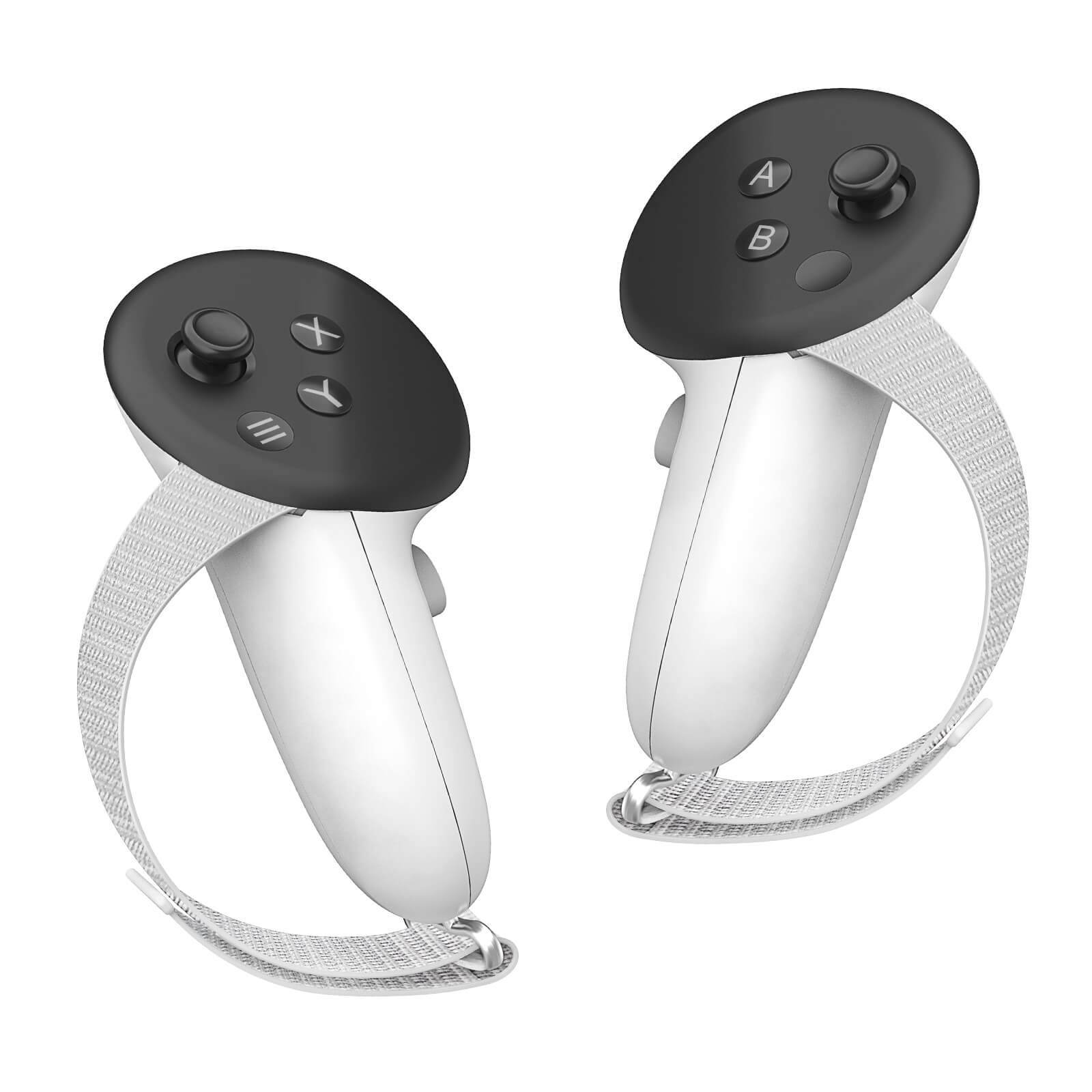
MaeckerVR Anti-Slip Controller Straps for Meta Quest 3/3S

Sale price$15.99 USD
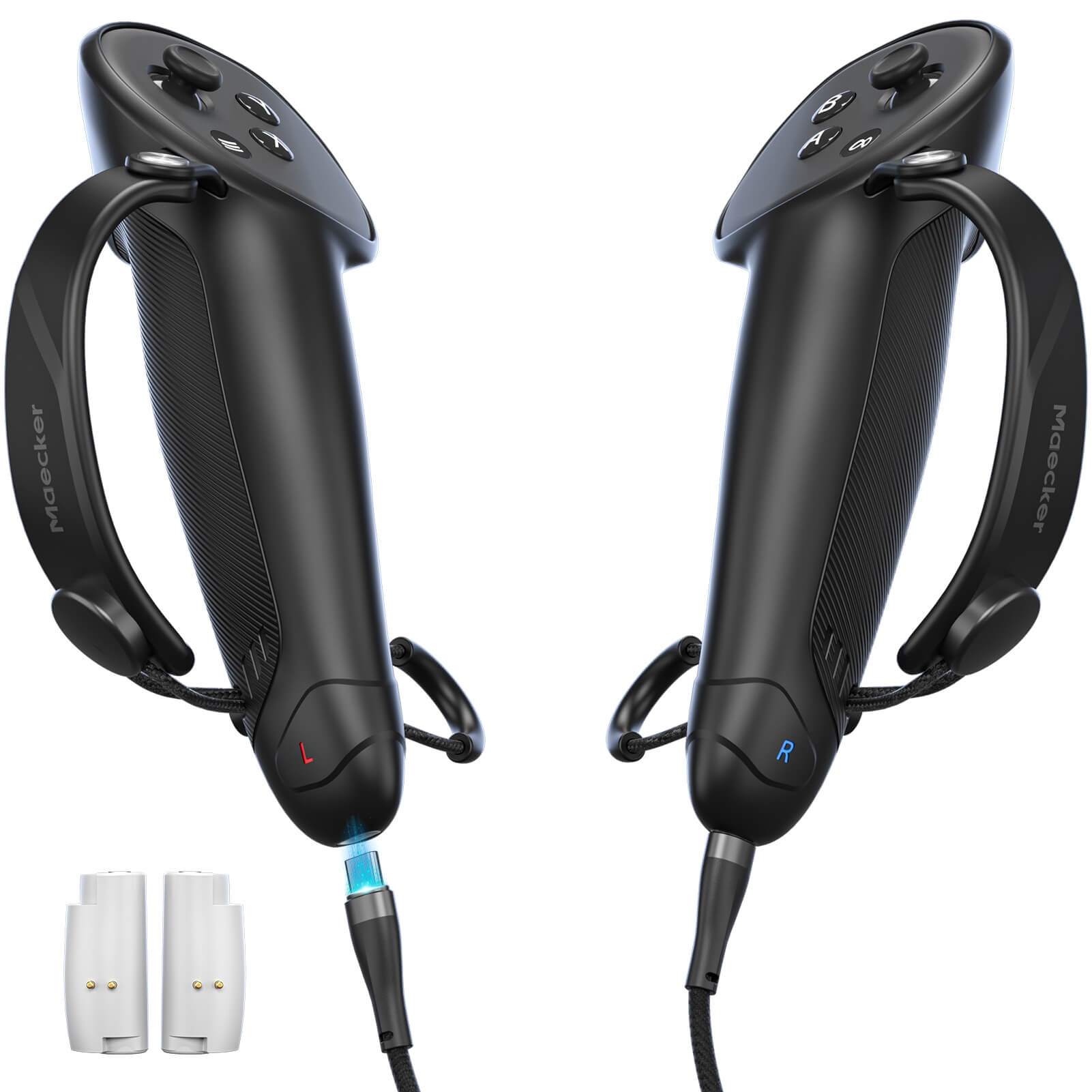
  • Not easy to fall off, protect the controller
  • Immersive gaming experience
  • Suitable for large and small hands
  • Easy access to the batteries, 100% Signal
  • Durable: made of ABS plastic which has strong impact resistance

How to Install & Adjust

  1. Remove the original parts. Remove the existing battery door and wrist strap from your Quest 3 or Quest 3S controller.
  2. Attach the connector and door. Insert the metal connector into the strap slot, following the arrow symbol. Slide the MaeckerVR replacement battery door upward and snap it into place.
  3. Thread and tighten. Pass the knuckle strap through the metal connector. Hold the controller with the strap across the back of your hand, pull the free end to a snug, comfortable fit, then fold it back and secure the hook-and-loop fastener.
  4. Adjust for your hand size. Undo the fastener and shorten the loop for smaller hands or lengthen it for larger hands. Refasten, then check that you can comfortably reach the buttons and triggers without pinching.
  5. Locate battery access. The replacement door covers the battery compartment. Refer to the installation image in the product gallery to identify the door and connector before changing batteries.
  6. Check placement before play. Match the strap and connector positions shown in the installation image. Keep the strap off the controller's top face and controls, and check tracking before starting your game.
Quantity:

Install Steps for Quest 3 Controller Grips

Do not affect charging

This Maecker Controller Straps compatible with quest 3 charging dock(the official one), do not suit for 3rd party charging stand for quest 3. Immersive gaming experience: Using the controller straps for meta quest 3 controller grips reduced the in-game jittery, shakiness of the controls by around 90% and allows for such a greater precision in-game to a degree and allowing you to enjoy an immersive gaming experience.

Suitable for large and small hands

The finely woven nylon strap of the active straps for quest 3 accessories has excellent elasticity and anti-slip properties, which increases the friction with the hand. It's easily adjustable and non-deformable, fits huge hands and can be resized to fit smaller hands, doesn't add perceivable weight to the controllers and helps keep the controller straps for quest 3 controllers closer to your palm so you can press buttons easier.

Non-slip finely woven nylon straps

Release your hands

Not easy to fall off, protect the controller, prevents the controller from sliding or accidentally falling off during use.

Easy to install

The finely woven nylon strap of the active straps for quest 3 accessories has excellent elasticity and anti-slip properties.